
ArkUI-Scroll自适应延申
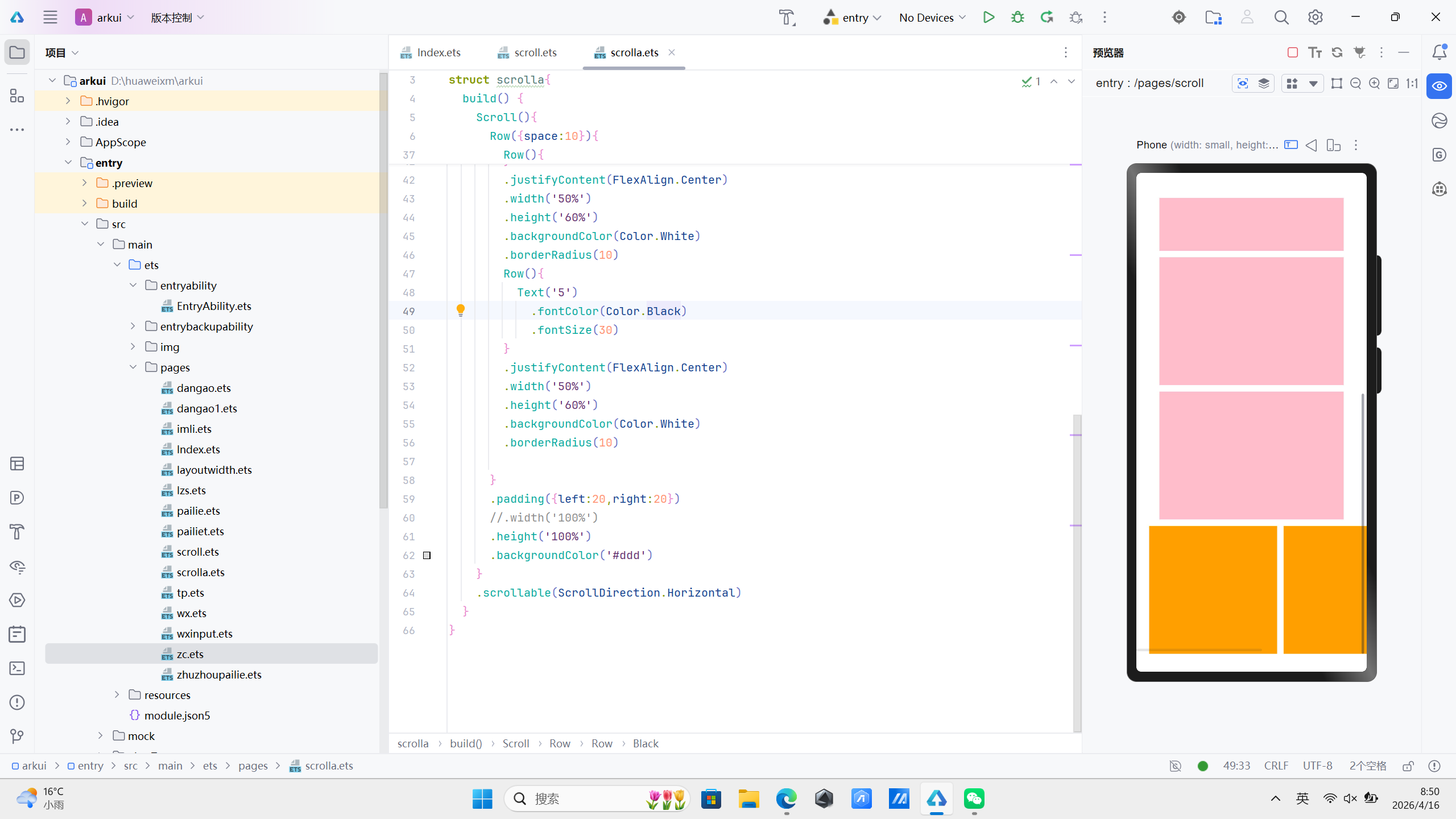
Scroll 垂直延申
作用:在一屏放不下时会出现滚动条
注意:默认滚屏方向时竖向
Scroll 水平延申
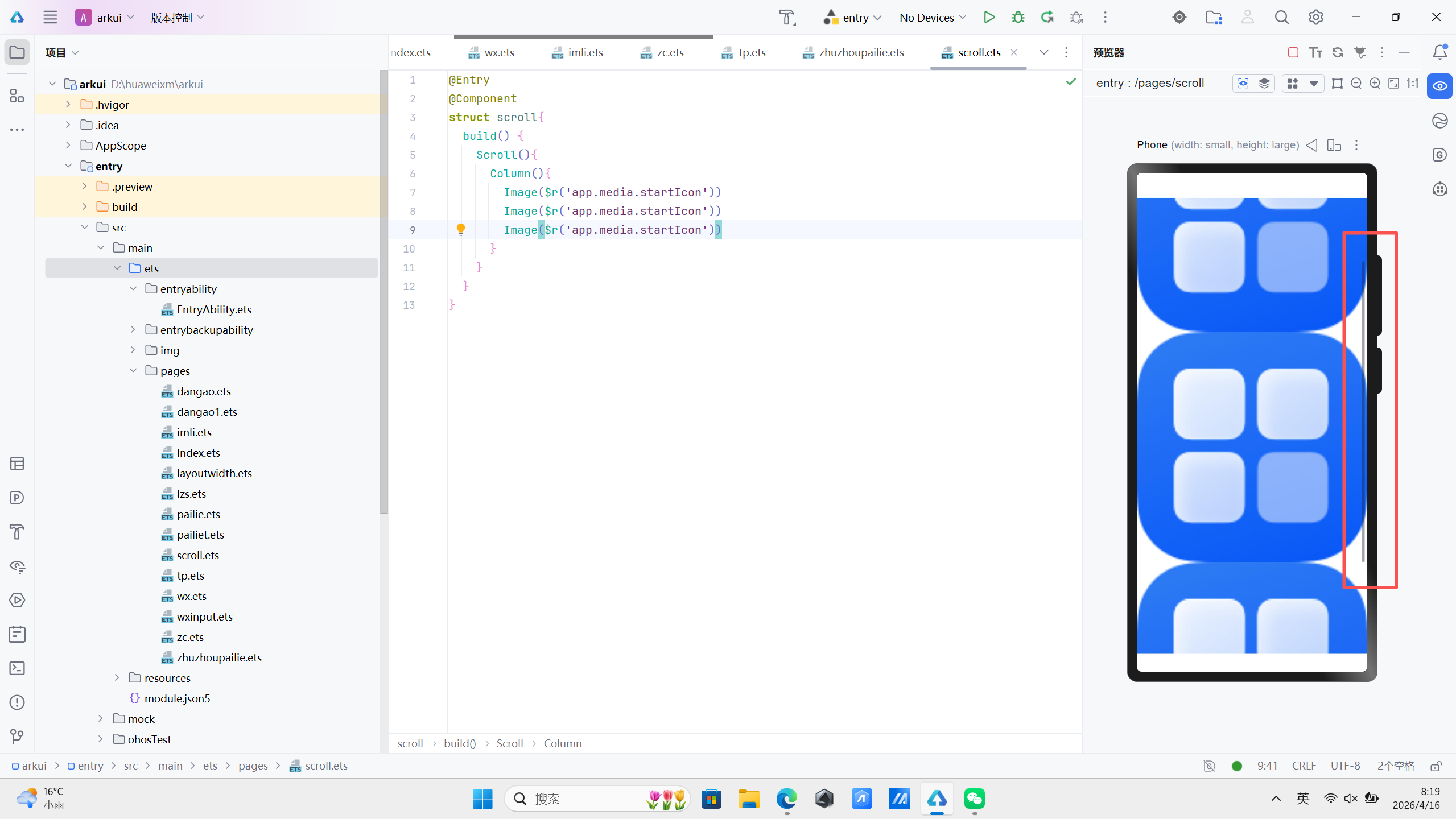
如果需要横向延申可以使用scrollable(ScrollDirection.Horizontal) 修改默认的延申方向
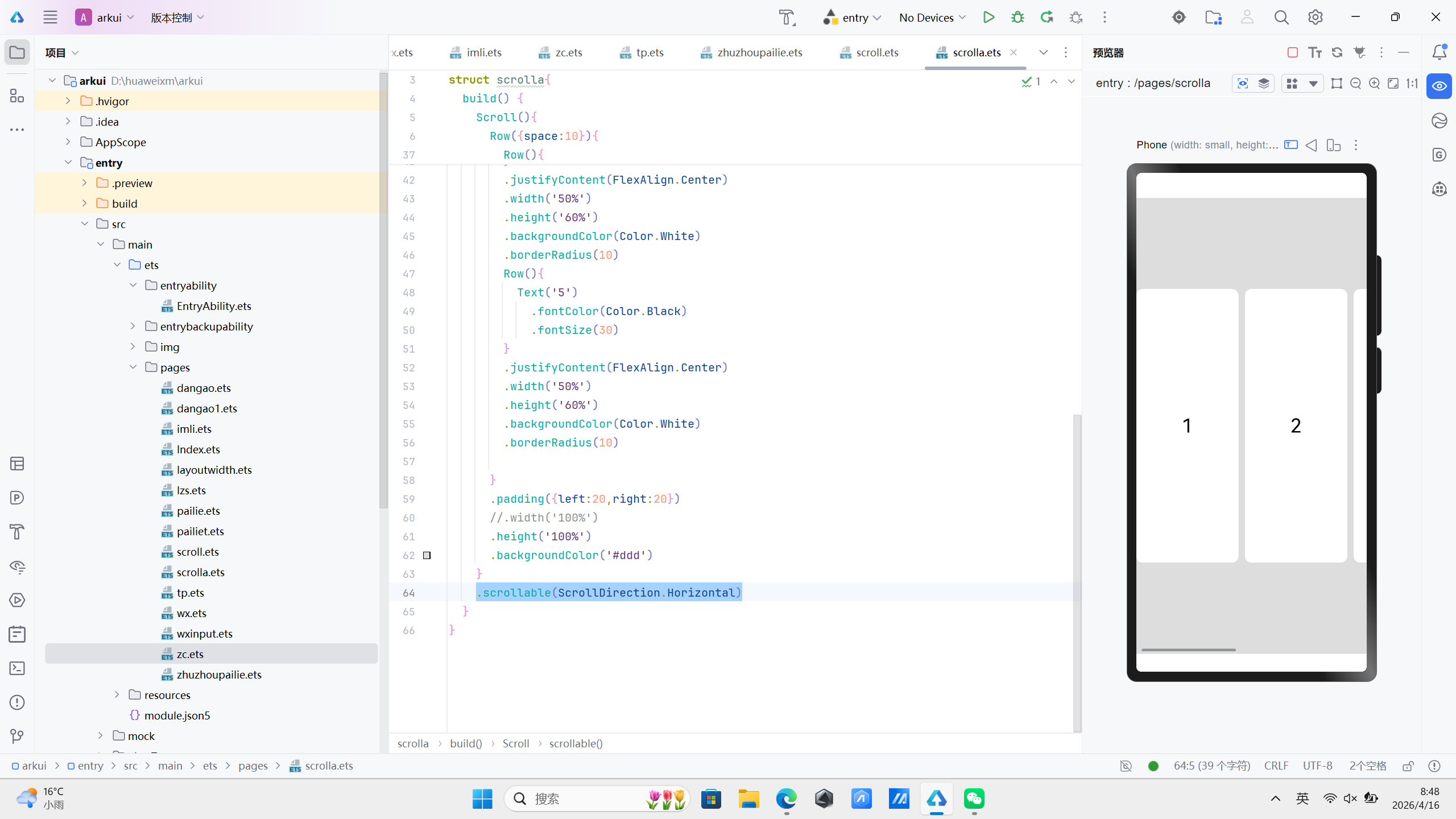
@Entry
@Component
struct scrolla{
  build() {
    Scroll(){
      Row({space:10}){
        Row(){
          Text('1')
            .fontColor(Color.Black)
            .fontSize(30)
        }
        .justifyContent(FlexAlign.Center)
        .width('50%')
        .height('60%')
        .backgroundColor(Color.White)
        .borderRadius(10)
        Row(){
          Text('2')
            .fontColor(Color.Black)
            .fontSize(30)
        }
        .justifyContent(FlexAlign.Center)
        .width('50%')
        .height('60%')
        .backgroundColor(Color.White)
        .borderRadius(10)
        Row(){
          Text('3')
            .fontColor(Color.Black)
            .fontSize(30)
        }
        .justifyContent(FlexAlign.Center)
        .width('50%')
        .height('60%')
        .backgroundColor(Color.White)
        .borderRadius(10)
        Row(){
          Text('4')
            .fontColor(Color.Black)
            .fontSize(30)
        }
        .justifyContent(FlexAlign.Center)
        .width('50%')
        .height('60%')
        .backgroundColor(Color.White)
        .borderRadius(10)
        Row(){
          Text('5')
            .fontColor(Color.Black)
            .fontSize(30)
        }
        .justifyContent(FlexAlign.Center)
        .width('50%')
        .height('60%')
        .backgroundColor(Color.White)
        .borderRadius(10)

      }
      .padding({left:20,right:20})
      //.width('100%')
      .height('100%')
      .backgroundColor('#ddd')
    }
    .scrollable(ScrollDirection.Horizontal)
  }
}
综合练习
@Entry
@Component
struct scrolla{
  build() {
    Scroll(){
      Row({space:10}){
        Row(){
          Text('1')
            .fontColor(Color.Black)
            .fontSize(30)
        }
        .justifyContent(FlexAlign.Center)
        .width('50%')
        .height('60%')
        .backgroundColor(Color.White)
        .borderRadius(10)
        Row(){
          Text('2')
            .fontColor(Color.Black)
            .fontSize(30)
        }
        .justifyContent(FlexAlign.Center)
        .width('50%')
        .height('60%')
        .backgroundColor(Color.White)
        .borderRadius(10)
        Row(){
          Text('3')
            .fontColor(Color.Black)
            .fontSize(30)
        }
        .justifyContent(FlexAlign.Center)
        .width('50%')
        .height('60%')
        .backgroundColor(Color.White)
        .borderRadius(10)
        Row(){
          Text('4')
            .fontColor(Color.Black)
            .fontSize(30)
        }
        .justifyContent(FlexAlign.Center)
        .width('50%')
        .height('60%')
        .backgroundColor(Color.White)
        .borderRadius(10)
        Row(){
          Text('5')
            .fontColor(Color.Black)
            .fontSize(30)
        }
        .justifyContent(FlexAlign.Center)
        .width('50%')
        .height('60%')
        .backgroundColor(Color.White)
        .borderRadius(10)

      }
      .padding({left:20,right:20})
      //.width('100%')
      .height('100%')
      .backgroundColor('#ddd')
    }
    .scrollable(ScrollDirection.Horizontal)
  }
}
其他属性
.scrollBar(BarState.On) //滚动条常驻显示
.edgeEffect(EdgeEffect.Spring) //滚动回弹效果